Importing Equitrac Data
- Select File > Utilities > Import. The Import Data window appears.
-
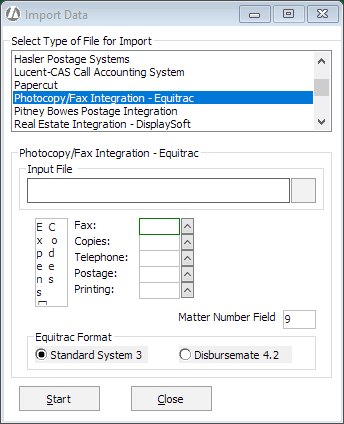
For Select Type of File for Import, select Photocopy/Fax Integration - Equitrac.
-
Click the browse button for the Input File box and select the file to be imported.
-
Select the client expense codes you use for each type of charge.
-
Leave Matter Number Field set to 9.
-
Under Equitrac Format, select the format your data is in. With Standard System 3, all data is stored in one import file. With Disbursement 4.2, you must import each type of transaction separately, so that if you recover all 5 types of costs you will be importing 5 times, once for each type.
-
Click Start to begin the import process.